A complete baseball video-review workflow.
BaseballDraw keeps capture, review, annotation, comparison, and sharing in one iPhone and iPad app.
Record or import at the field, cage, or bullpen
Record inside BaseballDraw or import a clip from Photos. Hitting and pitching modes keep the review focused on the movement you are studying.
Step through the frames that matter
Slow playback and frame-by-frame controls help isolate load, stride, contact, extension, balance, arm slot, trunk position, and release.
Draw directly on the video
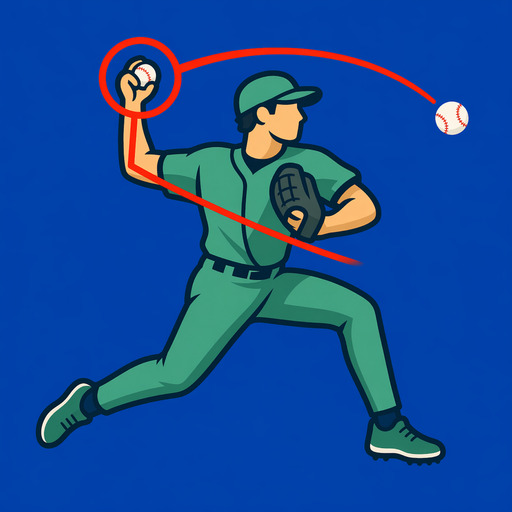
Add lines, circles, arrows, and angle guides to make a visible checkpoint explicit. Move or adjust annotations when the first placement is not quite right.
Use pose overlays as a visual aid
On-device body pose overlays make posture and joint relationships easier to inspect. They support human review; they are not a medical assessment or an automatic mechanics grade.
Compare like-for-like clips
Place two clips side by side, align the same movement phase, and compare sessions without relying on memory. Similar camera angles make the comparison more useful.
Keep a private baseball library
Save useful clips with thumbnails, favorites, tags, and notes so a camera roll does not become the training record. Your media stays on your device unless you choose to share it.
Export the evidence
Share an annotated still or video with a coach, player, or parent. Export the smallest useful piece so the question and checkpoint are obvious.